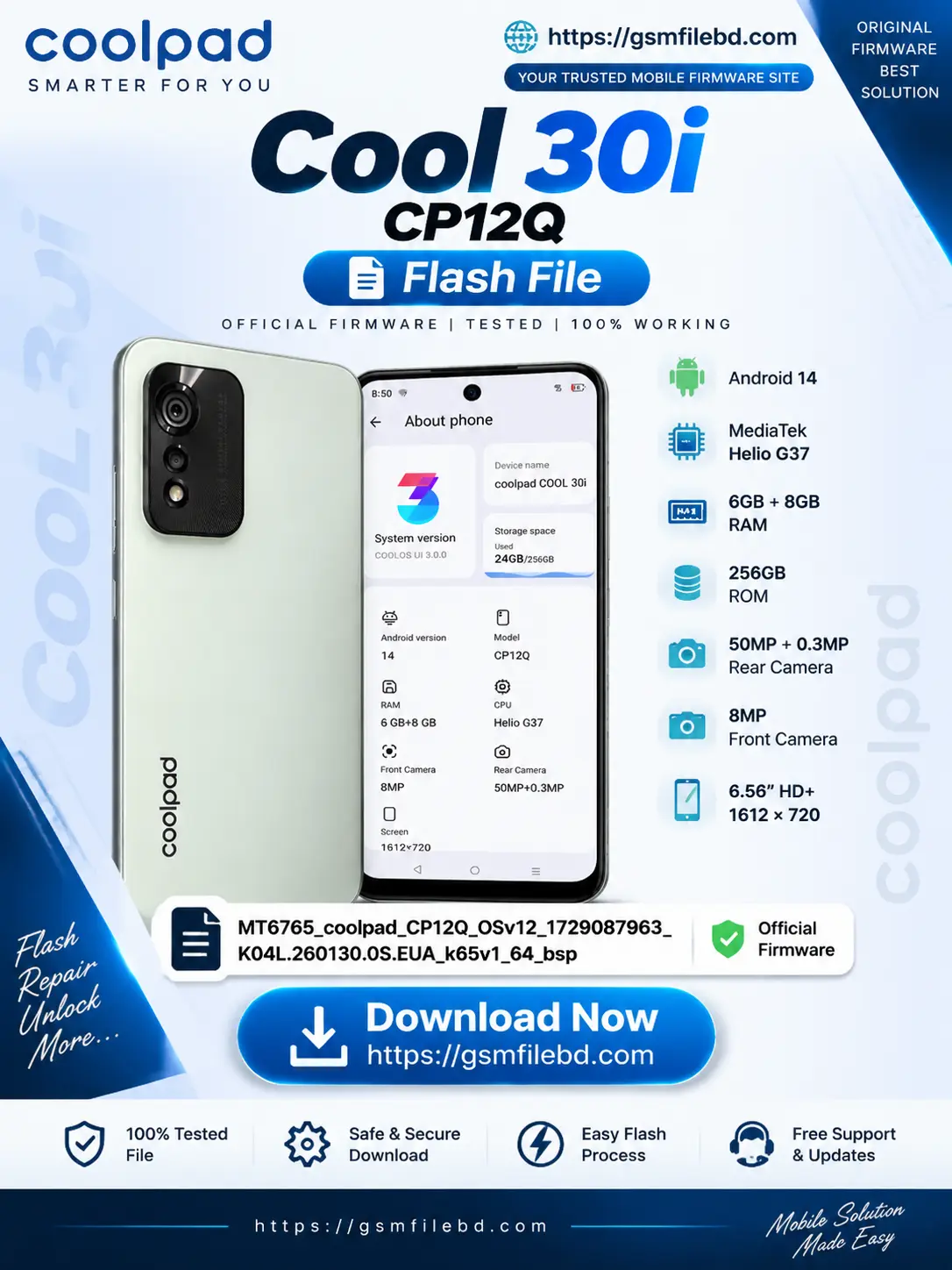
Coolpad Cool 30i CP12Q Flash File Firmware (Stock ROM) Download
Download the latest Coolpad Cool 30i CP12Q Flash File (Stock ROM Firmware)
for software repair, system recovery, and flashing purposes. This official firmware is
compatible with the Coolpad CP12Q device powered by the
MediaTek MT6765 (Helio G37) chipset.
The Coolpad Cool 30i CP12Q Firmware helps repair various software-related
problems including boot loop, stuck on logo, software error, hanging issues, virus problems,
FRP lock issues, and system crashes. This tested firmware package is suitable for technicians
and advanced users who need a reliable stock ROM solution.
Coolpad Cool 30i CP12Q Flash File Information
| Device Name | Coolpad Cool 30i |
|---|---|
| Model Number | CP12Q |
| Firmware Type | Stock ROM / Flash File |
| Chipset | MediaTek MT6765 |
| Processor | Helio G37 |
| Android Version | Android 14 |
| RAM | 6GB + 8GB Extended RAM |
| Storage | 256GB ROM |
| Display | 6.56 Inch HD+ (1612 × 720) |
| Rear Camera | 50MP + 0.3MP |
| Front Camera | 8MP |
Firmware File Name
MT6765_coolpad_CP12Q_OSv12_1729087963_K04L.260130.0S.EUA_k65v1_64_bsp
Why Download Coolpad Cool 30i CP12Q Flash File?
- Official Stock ROM Firmware
- Tested and Working Flash File
- Fix Boot Loop and Hang Logo Problem
- Repair Software Related Issues
- Remove Virus and System Errors
- Fix FRP Lock Problems
- Restore Original Factory Software
- Improve Device Stability and Performance
Coolpad Cool 30i CP12Q Flash File Features
- Safe Firmware: Original and verified stock firmware package.
- Easy Flash: Compatible with MediaTek flashing tools.
- Software Repair: Helps recover damaged software systems.
- Device Recovery: Useful for fixing dead boot and boot issues.
How to Flash Coolpad Cool 30i CP12Q Firmware
- Download and extract the Coolpad CP12Q Flash File package.
- Install the required MediaTek USB drivers on your computer.
- Open a compatible flashing tool such as SP Flash Tool.
- Load the firmware scatter file.
- Connect your Coolpad Cool 30i device in flashing mode.
- Start the flashing process and wait until completion.
Important Notes Before Flashing
- Take a complete backup of your important data before flashing.
- Use the correct firmware version for your exact model number.
- Charge your device battery above 50% before starting.
- Flashing firmware may erase all user data.
Download Coolpad Cool 30i CP12Q Flash File
Get the Coolpad Cool 30i CP12Q Flash File from
GSMFileBD. We provide tested mobile firmware files, stock ROMs,
and software solutions for professional mobile servicing.
SEO Keywords
Coolpad Cool 30i Flash File, Coolpad CP12Q Firmware Download,
Coolpad CP12Q Stock ROM, Coolpad MT6765 Firmware,
Coolpad Cool 30i Software, CP12Q Scatter File,
Coolpad Firmware Free Download, Android 14 Firmware.
Reviews
There are no reviews yet.