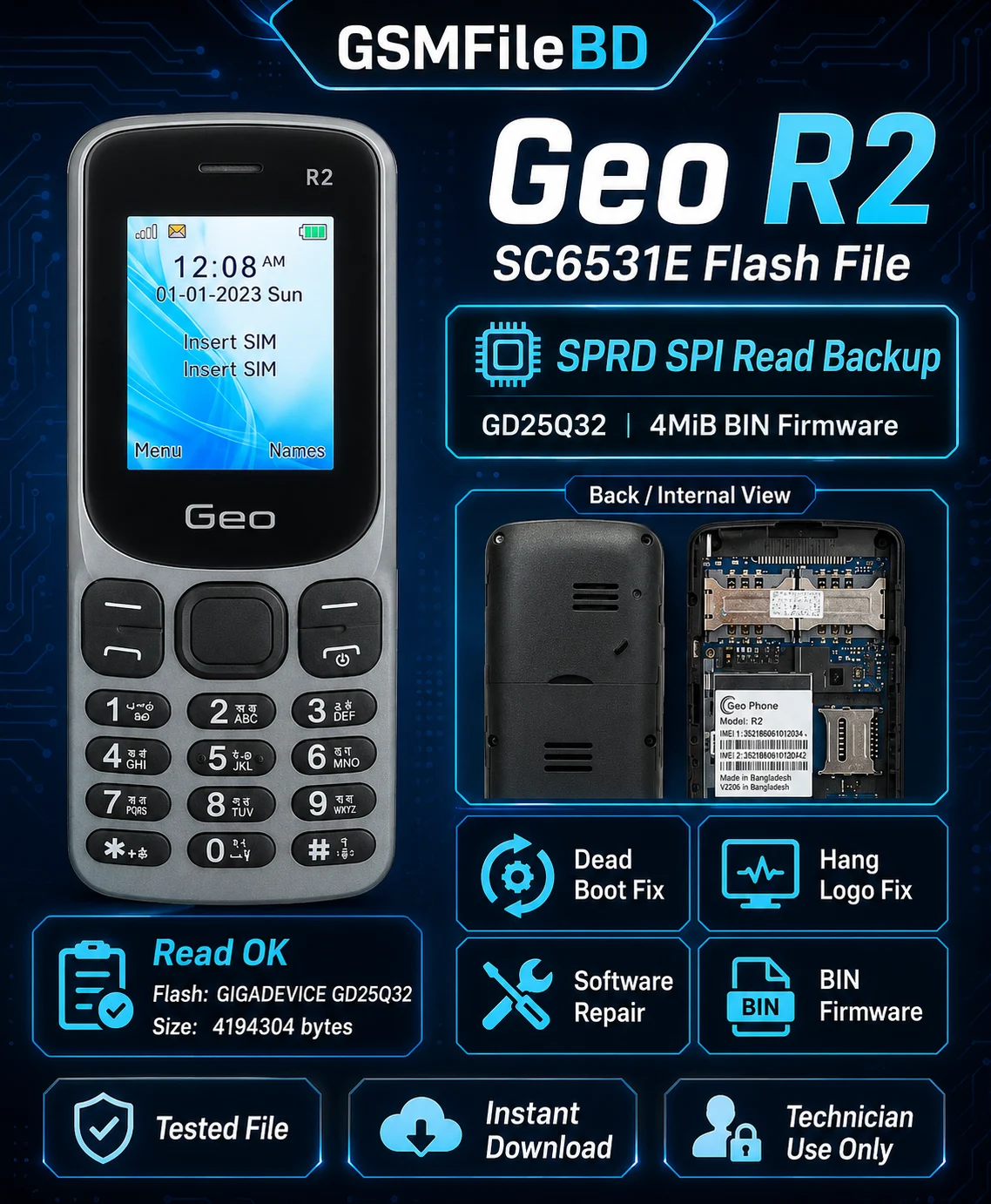
Geo R2 SC6531E Flash File – SPRD SPI Read Backup Tested Firmware
Download Geo R2 SC6531E Flash File for professional feature phone software repair.
This is a tested SPRD SPI read backup for the Geo R2 feature phone. The firmware was
successfully read using Infinity tool and saved as a 4MiB BIN firmware backup.
This file is useful for mobile technicians who need to repair software-related problems on
Geo R2 SC6531E devices, including dead boot, hang logo, software corruption, and firmware restore issues.
File Information
| Brand | Geo |
| Model | Geo R2 |
| CPU / Platform | Spreadtrum / Unisoc SC6531E |
| File Type | BIN Flash File |
| Flash Type | SPRD SPI Read Backup |
| Flash IC | GIGADEVICE GD25Q32 |
| Flash Size | 4MiB |
| File Size | 4194304 bytes |
| Boot Key | 1 |
| Read Status | Read OK |
Firmware Name
SPRD_SPI_GIGADEVICE_GD25Q_4MiB.bin
Supported Repair
- Dead boot repair
- Hang on logo fix
- Software corrupted issue repair
- Auto restart problem fix
- White screen / display issue after wrong flash repair support
- Phone lock / user code related software repair
- Firmware restore
- SC6531E feature phone software repair
Read Log / Tested Information
This Geo R2 SC6531E flash file was read successfully from a device using SPRD SPI mode.
| Device Status | Device Connected |
| Boot Version | SPRD3 |
| Boot Source | InternalLibrary |
| Loader | Infinity SCR SC6531E Loader v1.2 |
| Port Speed | 921600 |
| FDL Flash | Control transferred |
| Boot Status | Boot Done |
| Memory Info | SPI: GIGADEVICE GD25Q32 |
| Memory Size | 0x00400000 / 4MiB |
| Read Result | Read OK, 4194304 bytes |
| Elapsed Time | 00:00:36 |
Boot Key Information
Boot Key: Press and hold Key 1 while connecting the phone to the computer with USB cable.
If the device is not detected, reconnect the battery, press the boot key again, and try with another USB cable or USB port.
Important Note
Please check the model, CPU/platform, flash IC, flash size, and boot key before flashing.
Using the wrong firmware may cause dead boot, white display, keypad issue, network issue, or other software problems.
Always take a full backup of the device before writing any flash file.
Disclaimer
This file is for professional mobile technician use only. GSMFileBD is not responsible for any
damage caused by wrong flashing, unsupported device, user mistake, or improper repair process.
Refund Policy
This is a digital product. No refund is available after successful download. Replacement or support
may be provided only if the delivered file is broken, incorrect, or inaccessible.
Support
If you are not sure about compatibility, please contact GSMFileBD support before ordering.
GSMFileBD avoids selling files that are officially released and freely available.
We focus on tested technician-use repair files, rare versions, dump files, verified support files,
and non-public repair resources.
Reviews
There are no reviews yet.