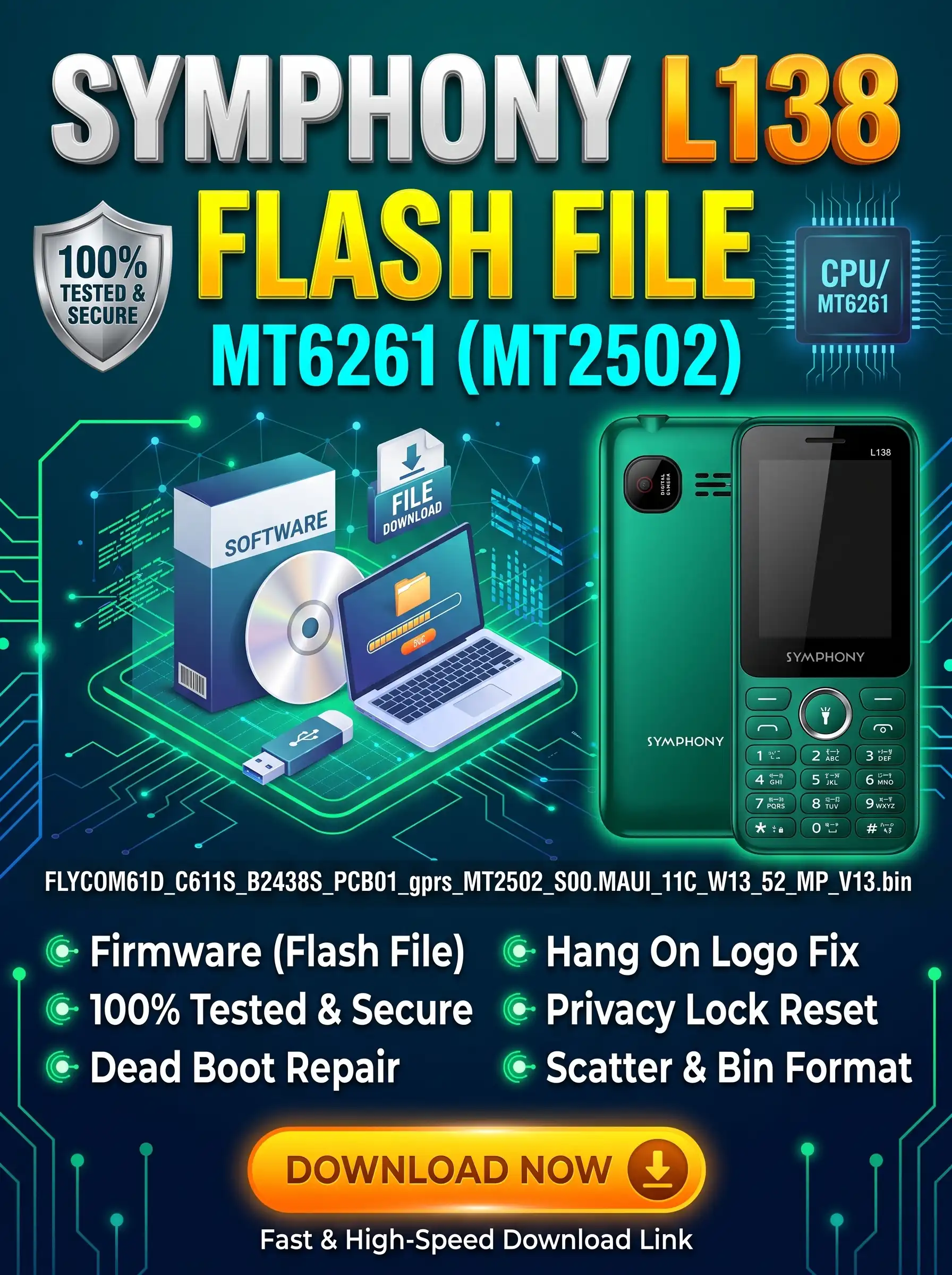
Are you looking for the original, 100% working Symphony L138 MT6261 Flash File (Stock Firmware ROM)? Below you can download the official InfinityBox CM2MTK readout binary file (FLYCOM61D_C611S_B2438S_PCB01_gprs_MT2502_S00.MAUI_11C_W13_52_MP_V13.bin), tested by GSM technicians to repair software issues on your Symphony L138 feature phone.
Why Use This Symphony L138 Firmware?
Flashing this 4MB NOR flash binary onto your Symphony L138 will restore the phone to its factory state and fix common software and boot-level faults, including:
- Dead Boot Recovery: Revive Symphony L138 phones that went completely dead after an interrupted flash or corrupted NVRAM.
- Hang on Logo / Auto Restart: Fix devices stuck on the initial Symphony startup screen or randomly rebooting during calls.
- Display Glitches: Resolve blank, white, black, or inverted LCD screens caused by mismatched firmware versions.
- Security & Privacy Locks: Clear forgotten user keypad passwords, PIN locks, and privacy protection codes.
- Network & Audio Fixes: Repair software-induced “Invalid SIM,” “No Service,” or distorted call audio issues.
Technical File Specifications
| Device Brand & Model | Symphony L138 |
|---|---|
| File / Build Info | FLYCOM61D_C611S_B2438S_PCB01_gprs_MT2502_S00.MAUI_11C_W13_52_MP_V13.bin |
| Baseband Chipset (CPU) | MediaTek MT6261 / MT2502 (BB_CPU_HW : CA02 | MT6261_S0000) |
| Flash IC / Memory Type | Winbond NOR Flash (0x0113 : SF_W25Q32JV) |
| Software Version | MAUI.11C.W13.52.MP.V13 |
| File Size & Format | 4 MB (4,194,304 bytes) | Raw .bin inside ZIP/RAR |
| Supported Flashing Tools | InfinityBox CM2MTK, Miracle Box, Volcano Box, Maui Flash Tool |
| Firmware Status | 100% Tested & Verified Working |
InfinityBox CM2MTK Readout Log (Verify Before Flashing)
Always compare your Symphony L138’s hardware ID (CA02), Flash IC (SF_W25Q32JV), and PCB string against this log before writing the flash to avoid white-screen or dead-boot mismatches:
Wait for phone...
Phone found! [ 11 ]
Sync...
Sync Ok, read regs...
Inital regs read done
Boot Info :
BB_CPU_ID : 6261
BB_CPU_HW : CA02
BB_CPU_SW : 0001
BB_CPU_SB : 8000
BB_CPU_NM : [MediaTek] MT6261_S0000
BROM Protocol Version : 05
Setting...
Setting done , result code 0x000E
BROM stage done
Seek and prepare DownloadAgent
DownloadAgent matching HW Found!
DA verify and select done
Sending DA to target ...
DA_INFO   : 0xC0 , Ver : 3.2 , BBID : 0x8E
SOC_VERIFY : 0xC1
BOOT_STYLE : SF_FLASH_BOOT
NOR Flash IC initialized
[0] : FLASH_VEN : 0x0113 , [Winbond] SF_W25Q32JV
[0] : FLASH_DIE : 00EF 0070 0016 0000
[0] : FLASH_LEN : 0x00400000
SDS_INFO : 0x003FE000 , 0x00002000
INT_RAM : 0x0000D000
EXT_RAM : 0x00400000
Reading Flash Content now ...

Read Flash now
Read Ok , 4194304 bytes read
Check and collect compile info
File_Info   : FLYCOM61D_C611S_B2438S_PCB01_gprs_MT2502_S00.MAUI_11C_W13_52_MP_V13.bin
FileVersion : MAUI.11C.W13.52.MP.V13
Saved to : C:\InfinityBox\CM2MTK\Read_out\FLYCOM61D_C611S_B2438S_PCB01_gprs_MT2502_S00.MAUI_11C_W13_52_MP_V13.bin

Done!
Elapsed: 00:00:33
Reconnect Power/Cable!
How to Flash Symphony L138 (MT6261)
- Install Drivers: Download and install the latest MediaTek (MTK) USB VCOM Drivers on your Windows PC.
- Extract Firmware: Extract the downloaded archive using WinRAR or 7-Zip to access the
.binflash file. - Launch Tool: Open InfinityBox CM2MTK (or Miracle Box) and select the MT6261 CPU platform from the dropdown menu.
- Backup First (Crucial): Click Read Flash to save a backup of the phone’s current ROM and NVRAM/IMEI data before making changes.
- Load & Write: Go to the Flash tab, load
FLYCOM61D_C611S_B2438S_PCB01_gprs_MT2502_S00.MAUI_11C_W13_52_MP_V13.bin, and click Write Flash. - Connect Device: Remove and reinsert the battery. Hold the phone’s Boot Key (typically the
Center OK/Menu,*, or0key) and plug in the USB cable. - Complete: Wait roughly 30 to 40 seconds for the progress bar to hit 100%. Unplug the cable, reinsert the battery, and power on the handset.
Technician Note: Flashing this ROM will erase all user contacts and messages stored on the internal memory. If the IMEI becomes invalid after a full format, restore it using the CM2 security repair tab.
Reviews
There are no reviews yet.